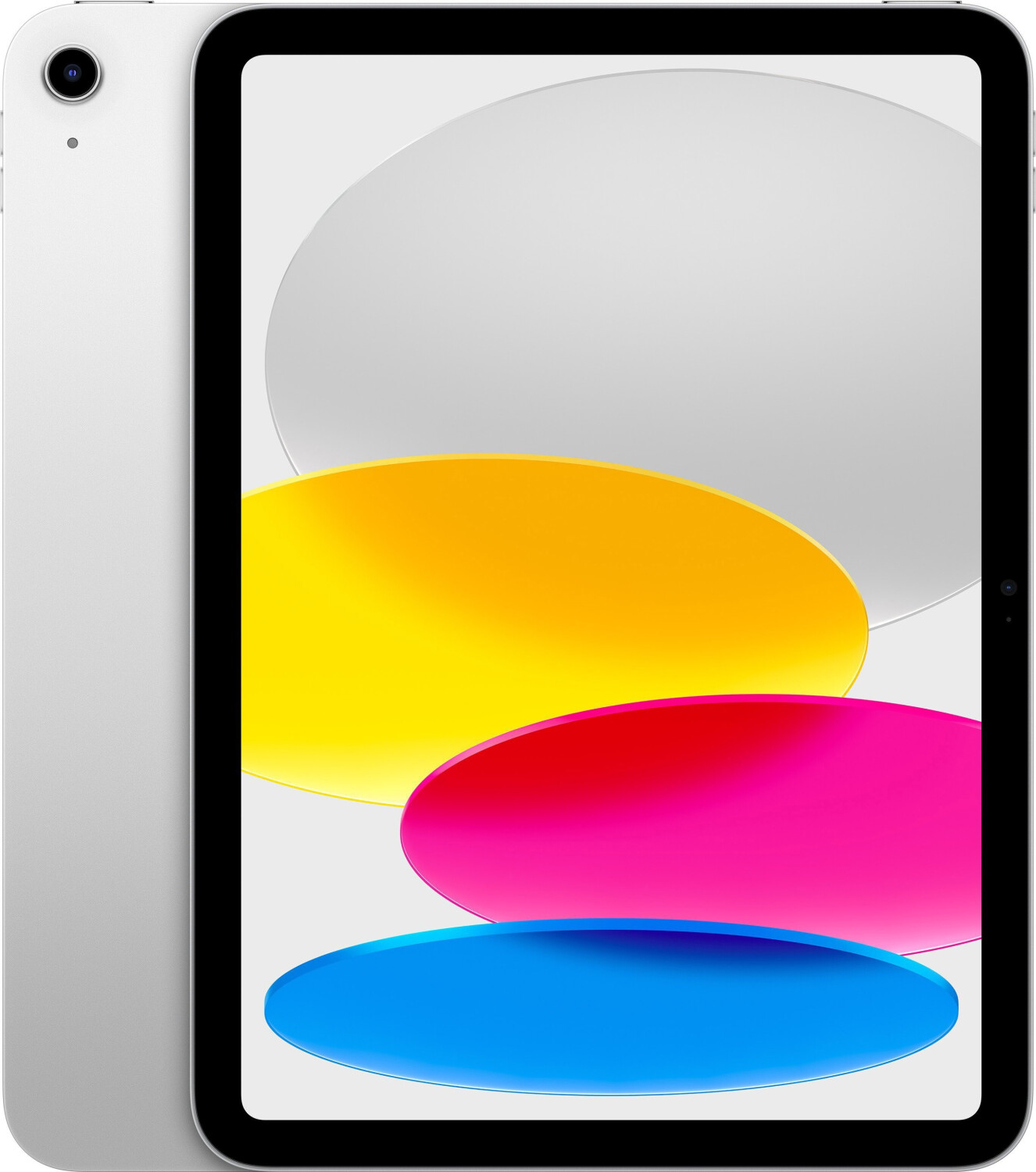
A strong all-round iPad experience for everyday use
The Apple iPad (2025) is a very well-balanced choice for anyone who wants a tablet that is both an enjoyable entertainment screen and a practical work tool to slip into a bag every day. Its 481 g weight and 7 mm slim aluminium body do not make it difficult to hold for long periods or carry between classes. Users who want to move smoothly between browsing in Safari, taking notes, reading documents, watching films and making video calls will find the responsiveness they are looking for here.
The display offers a vibrant space for films, reading and apps
The 10.9-inch Liquid Retina display, with its 2,360 x 1,640 Pixel resolution and 264 ppi density, renders text clearly and interface elements sharply. The IPS panel's wide viewing angles are a real advantage when watching videos at a table, following recipes or taking part in video calls where several people are looking at the screen. The 500 cd/m² brightness and True Tone feature also help make the screen more comfortable to view indoors.
The lack of an anti-reflective coating on the display should be considered, especially by those working in direct sunlight. On the other hand, its structure, which adjusts colour balance according to ambient light, makes long reading sessions more comfortable at home, in the classroom or in the office. The responsive capacitive multi-touch surface preserves the iPad's familiar natural feel in document editing, map use and simple drawing apps.
Smooth switching between study, work and entertainment with the A16
The combination of the Apple A16 processor and iPadOS takes this iPad far beyond basic tablet tasks. It provides a smooth workflow for those who want to edit presentations, research in a browser, message, watch videos and move between apps during the same day. iPadOS's split-screen and multitasking layout is particularly useful for students who keep class notes open on one side while reviewing sources on the other.
The device is also a natural complement for people who use the Apple ecosystem. Its compatibility with Apple Mac OS X offers a setup that Mac users will find makes it easier to bring their files, apps and everyday workflow to the iPad. Pre-installed apps such as Siri, FaceTime, Safari and Apple TV also meet communication, web and media needs straight out of the box.
The most frequently highlighted points in user experiences on the product page are the slim, high-quality body, smooth everyday performance and the enjoyable display experience. Comments on battery life vary according to usage intensity; the listed 10 h figure should be seen as a target that needs to be assessed based on how you spend your day in front of the screen.
A good companion for films and calls
The stereo system with two speakers is one of the iPad's key advantages for those who do not want to watch films or series solely on a small phone screen. Combined with the 10.9-inch display, it becomes a highly satisfying portable media device when travelling, watching recipes in the kitchen or consuming content in bed. Wi‑Fi 6 and dual-band connectivity support also make streaming, downloads and cloud service use faster on compatible networks.
The 12 MP rear camera can handle document scanning, whiteboard capture and quick photo-taking with functions such as autofocus, HDR, panorama, burst mode and image stabilisation. Support for 4K video recording also adds flexibility for short videos. The 12.0 Megapixel front camera is useful for FaceTime calls and online lessons. Still, it is more accurate to think of this iPad not as an ambitious camera that replaces a phone, but as a tablet with a practical camera system that supports productivity.
What to know about connections and security
The USB-C connection provides a modern foundation for charging as well as use with compatible accessories and peripherals. The Smart Connector also creates a neat, wireless-free option for supported keyboard-type accessories. The 3.5 mm headphone jack and USB 3.1 support are also valuable for those who like using wired equipment. However, as there is no card reader, people who frequently transfer photos or videos from an SD card will need to plan for a suitable external solution.
On the security side, the fingerprint reader offers a fast, familiar way to unlock the screen and authenticate within apps. Those expecting Face ID should adjust their expectations accordingly, as this model opts for a Touch ID approach. Physical power and volume buttons also maintain ease of use alongside the touch interface.
Who is it a sensible choice for?
The Apple iPad (2025) is particularly sensible for first-time iPad buyers, students, families looking for a reliable tablet to share, and those who want to move film and series viewing to a larger screen. Its Apple A16 processor, high-resolution Liquid Retina display, Wi‑Fi 6 connectivity and stereo speakers make up a meaningful package not only for web browsing and video, but also for note-taking, light content creation, remote learning and everyday office work.
When its price remains higher than comparable tablets, the difference may be justified if the iPadOS experience, compatibility with the Apple ecosystem and a smooth interface that can be used for a long time are genuinely valuable to you. On the other hand, if your priority is an anti-reflective display, face-recognition unlocking or a wider choice of styluses, it would be wise to consider alternative models. This model's real strength lies not in a flashy niche feature, but in bringing together the display, performance, portability and app ecosystem seamlessly in everyday life.